Contents
Most of us have hundreds of logins, and reusing the same few passwords is one of the easiest ways to get hacked. A password manager fixes that — but many people stopped trusting theirs after high-profile breaches, or got tired of paying for features that used to be free.
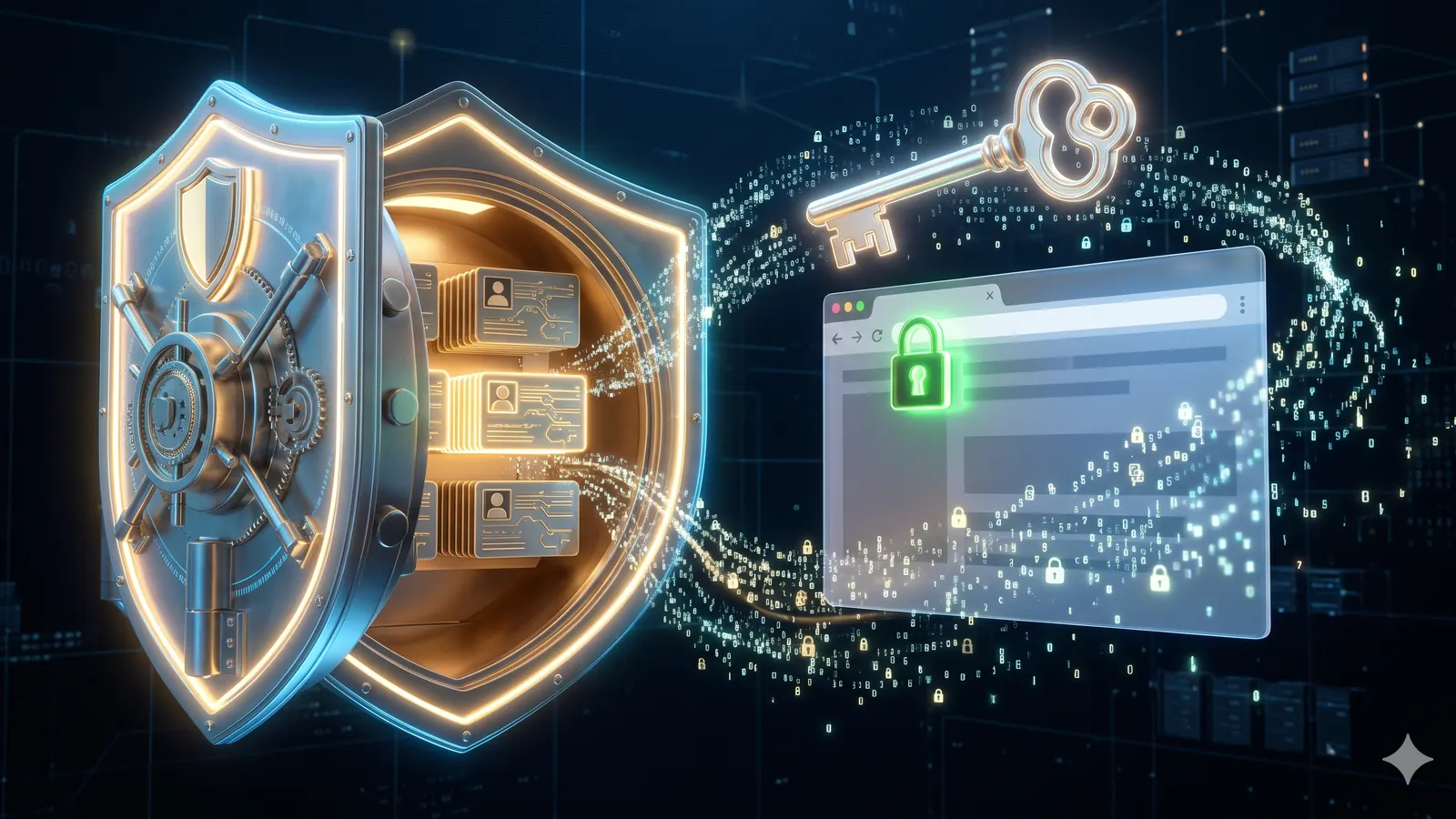
So we built one we'd want to use ourselves. Brahmweb Vault is a free password manager for Chrome that never sees your passwords. Your vault is encrypted in your browser, so only you can read it.
What Brahmweb Vault does
Vault covers everything most people used LastPass for:
- Saves logins as you sign in. Sign in anywhere and Vault offers to save it. Change a password on a site, and it offers to update the saved one.
- Fills in one click. A lock icon appears in login fields. Pick the account and you're in — or press
Ctrl+Shift+L. - Imports in a minute. Bring your CSV export from LastPass, Chrome, or Bitwarden. Duplicates are skipped automatically.
- Works on any computer. Search, edit, and export everything from the web vault, even where the extension isn't installed.
- Built-in generators. Create strong passwords and usernames with the password generator.
And it's free, without the catch: no trial, no card, and no cap on how many passwords you save.
How the encryption works
"End-to-end encrypted" gets used loosely, so here is exactly what happens to your data:
- You type your master password. It never leaves your computer. Not even we get a copy.
- Your browser turns it into a key. 600,000 rounds of PBKDF2-SHA256 make guessing it extremely slow for an attacker.
- Every login is sealed before upload. Each entry is encrypted with AES-256-GCM in your browser. Our servers only ever store scrambled data they can't read.
That means even if someone got into our servers, they would find encrypted data and no keys to open it.
The trade-off: because we never have your master password, nobody can recover your vault if you forget it. Keep a written copy somewhere safe.
Moving from LastPass (or Chrome, or Bitwarden)
Switching takes about a minute:
- In LastPass, go to Account options → Advanced → Export to download a CSV file.
- In Vault, open Settings → Import and choose the file.
- Delete the exported CSV afterwards — it contains your passwords in plain text.
The same steps work with a CSV export from Chrome or Bitwarden.
How to install Vault
Vault currently installs as an unpacked extension. It takes a couple of minutes:
- Download the extension zip from vault.brahmweb.com and unzip it.
- Open
chrome://extensionsand turn on Developer mode (top right). - Click Load unpacked and choose the unzipped folder.
- Pin Vault from the puzzle-piece menu, then create your account in it.
It works in Chrome, Edge, Brave, and other Chromium browsers, and the whole extension is under 20 KB. A Chrome Web Store listing is on the way, which will make installing a single click.
Want full control? Run your own server
For teams and privacy-focused users, Vault can be self-hosted. The server runs on any Node.js host with Postgres — just enter your own server address in the extension's settings. Your encrypted data then never touches our infrastructure at all.
Why we built it
At Brahmweb we build secure web applications for clients every day, and we wanted a password manager that is simple, honest about how it works, and free for individuals. Vault is the result: small, fast, and designed so that trust isn't required — the encryption does the work.
If your business needs something similar — secure browser extensions, encrypted apps, or tools built around your own workflows — our team can build it.
Create your free Vault account →
Frequently asked questions
Is Brahmweb Vault really free?
Yes. Your personal vault is free with unlimited passwords. There is no trial and no credit card. Shared team vaults are planned later as an optional extra.
Can Brahmweb see my passwords?
No. Everything is encrypted in your browser with a key made from your master password, and the master password is never sent to us. Our servers only store data they cannot read.
What happens if I forget my master password?
Your vault cannot be recovered, by you or by us. That is the price of real end-to-end encryption. You can delete the account and start a new one, so keep a written copy of your master password somewhere safe.
How do I move my passwords from LastPass?
In LastPass, go to Account options, Advanced, Export. Then in Vault, open Settings, Import, and pick the file. Delete the exported file afterwards, because it holds your passwords in plain text.
Can I run Brahmweb Vault on my own server?
Yes. The server runs on any Node.js host with Postgres. Enter your own server address in the extension's settings.